Long waiting lines, manual paperwork, and limited service hours are common problems in many public and commercial service environments. A kiosk machine is a self-service digital system that allows users to complete tasks such as information access, form submission, bill payment, or ticketing without staff assistance. By automating routine processes, reducing human error, and providing faster service, kiosk machines help organizations improve efficiency while giving users a quicker, more convenient experience in 2026.
What Is a Kiosk Machine?
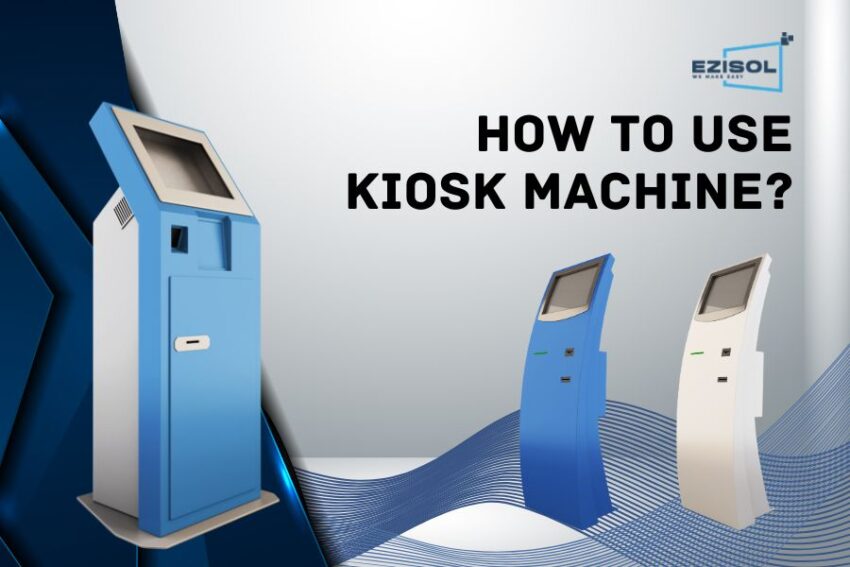
A kiosk machine is a self-service, touchscreen system that allows customers to complete tasks such as ordering, payment, or check-in without staff assistance. In restaurants, kiosks replace the traditional counter by letting customers browse menus, customize items, and pay instantly. This reduces wait time and improves order accuracy.
How to Use a Kiosk Machine
Kiosk machines are built to guide users through tasks quickly and independently. Most follow a simple on-screen flow, making them easy to use even for first-time users.
Start the Kiosk
Tap the screen or press the start button to activate the kiosk. If language options are available, select your preferred language to continue comfortably.
Select the Required Service
Choose the service you want from the on-screen menu, such as making a payment, printing a ticket, or accessing information. The options are clearly displayed to guide you.
Enter the Required Information
Provide the necessary details like ID number, phone number, or reference code using the on-screen keyboard, scanner, or card reader if available.
Complete Verification (If Required)
Some kiosks require verification through OTP, fingerprint, or face recognition. Follow the on-screen instructions to complete this step successfully.
Make the Payment
Select your preferred payment method such as card, mobile wallet, QR code, or contactless payment. Complete the transaction as shown on the screen.
Collect Confirmation or Output
Once the process is complete, collect your receipt, ticket, token, or confirmation message. Always review the details before leaving the kiosk.
Use Help or Support Options
If you face any difficulty, use the help option displayed on the screen or contact nearby staff for assistance.
Key Features of Kiosk Machines
Touchscreen Interface
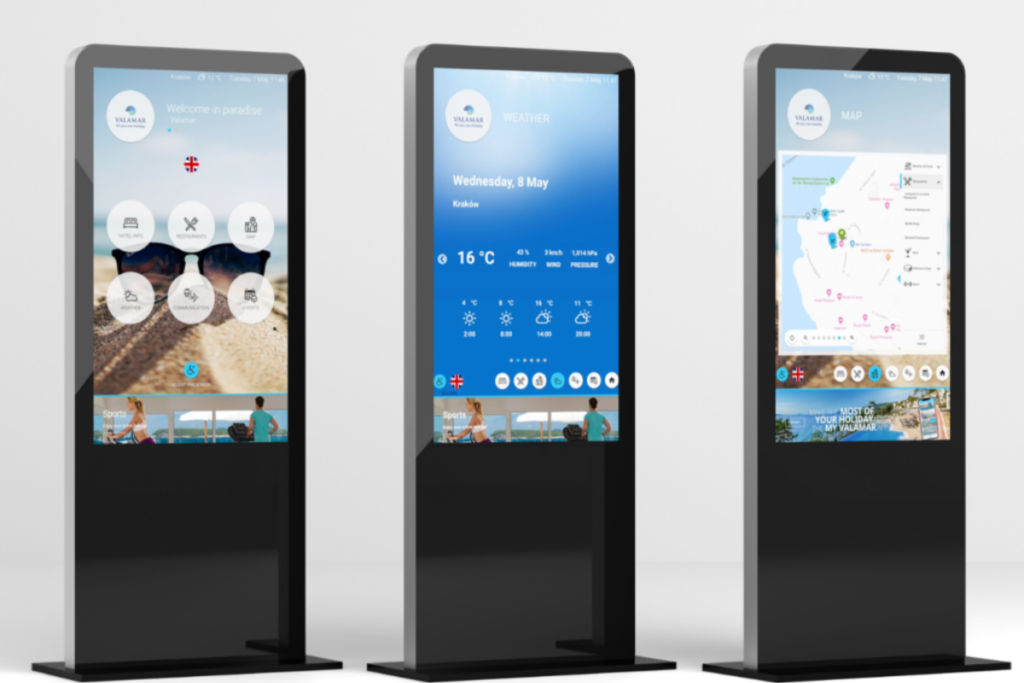
Large, responsive touchscreens make kiosks easy to use for all age groups. Clear buttons and visuals reduce confusion and speed up ordering.
Integrated Payment System
Kiosk machines support multiple payment methods, allowing customers to pay quickly and securely. Faster payments mean shorter queues during peak hours.
POS & Kitchen Integration
Orders placed on the kiosk are sent directly to the POS and kitchen display system. This removes manual order entry and significantly reduces mistakes.
Real-Time Menu Sync
Menu updates, price changes, and out-of-stock items update instantly across all kiosks. This prevents customers from ordering unavailable items.
Upselling & Promotions
Kiosk software automatically suggests add-ons, combos, or upgrades during ordering. These prompts increase average order value without pressuring customers.
Benefits of Kiosk Machines
Kiosk machines are used because they solve everyday service problems like long queues, manual errors, and limited service hours. They help organizations deliver faster, more consistent service while improving user convenience.
Faster Ordering Experience
Kiosks allow multiple customers to order at the same time, reducing congestion at the counter. This is especially useful during lunch and dinner rushes.
Higher Order Accuracy
Since customers enter their own orders, there is less chance of miscommunication. This leads to fewer remakes and happier customers.
Lower Labor Dependency
With kiosks handling ordering and payment, staff can focus on food quality and customer service. This helps control labor costs without reducing service quality.
Increased Revenue
Upselling prompts and visual menus encourage customers to add more items. Over time, this significantly improves revenue per order.
FAQs About Kiosk Machines
What is a kiosk machine used for?
A kiosk machine is used to provide self-service access to services such as payments, ticketing, form submission, information lookup, and verification without staff assistance.
Are kiosk machines easy for first-time users?
Yes. Modern kiosk machines are designed with simple touchscreens, guided steps, and clear instructions, making them easy to use even for non-technical users.
What payment methods do kiosk machines support?
Most kiosk machines support debit and credit cards, mobile wallets, QR payments, NFC, and in some cases cash, depending on the setup.
Are kiosk machines safe and secure to use?
Yes. Kiosk machines use encrypted systems and secure software environments to protect user data and transactions.